
How to Search Trademarks on KIPRIS: Is Your Brand Name Already Registered?
Junhyek Lee, Patent Attorney, Unic Patent Firm · 2025.06.20
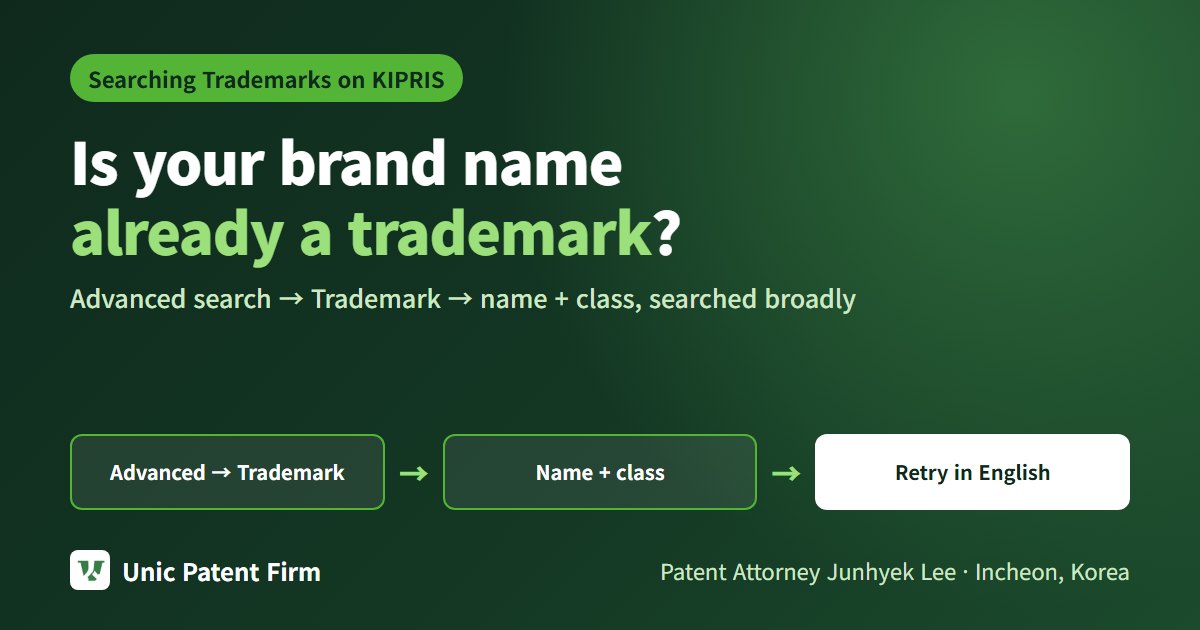
Is the brand name you want to use already registered as a trademark? In this article, Unic Patent Firm in Cheongna, Incheon, shows step by step how to search trademarks on KIPRIS, the Korean patent office's free search service.
Go to kipris.or.kr or search for "KIPRIS."
STEP 1. Use Advanced Search
Don't search from the main page; click Advanced Search for more precise conditions.
STEP 2. Select Trademarks
On the advanced search screen, select Trademark to switch to the trademark search screen. Scroll down to find fields for the mark name and classification.
STEP 3. Search by Mark Name Alone First
Enter a mark name (e.g., "아이브" / "IVE"), leave the designated goods empty, and click Search.
You will find 267 results for "아이브" alone — far more marks than most people expect. (I myself once filed 아이브, IVE and I've for coffee.) The designated goods vary: cosmetics (Class 3), bags (Class 25), coffee (Class 30), research and mail-order agency services (Class 35), portable communication devices (Class 9), data communication (Class 38) and more.
A trademark grants exclusive rights only for the designated goods. That is why several parties can register the same name for different goods.
STEP 4. Search by Mark Name + Designated Goods
Enter the designated goods below the mark name. Clicking the arrow next to the goods classification shows fields for similarity groups and designated goods. For example, search for the mark "아이브" with the goods "cosmetics" and review the results.
STEP 5. Search Again in English and Variants
- For a Korean mark, convert it to English and search again (e.g., 아이브 → IVE, I've).
- Also consider variations such as compound words.
STEP 6. More on Designated Goods
When filing a trademark, you must state the goods on which you will use it specifically. Not broad terms like "foods," but clear ones like "coffee," "ground coffee" or "coffee capsules." Designated goods are divided into Classes 1–45 under the Nice Classification.
| Classes | Content |
|---|---|
| 1–34 | Goods (e.g., clothing, food, appliances) |
| 35–45 | Services (e.g., running a shopping mall, hospitals, franchising) |
The classification table is available on the Korean IP office website under the Nice Classification menu.
Conclusion: Search Broadly With "Mark Name + Class"
KIPRIS lets you search by mark name with designated goods or with a class. We recommend starting broadly with mark name + class. More accurate judgments use similarity group codes, explained in detail in Checking Prior Similar Marks by Similarity Group.
If you find it hard to interpret search results, Patent Attorney Junhyek Lee of Unic Patent Firm in Cheongna, Incheon, will review registrability directly.
Does this apply to your business?
The answer depends on your product, filing schedule and contracts. Talk to a patent attorney directly.
This article is for general information only. Specific cases may be assessed differently depending on the facts. It is based on Korean law as of the publication date.