
How to Search Patents on KIPRIS (Part 1): Is Your Idea Already Patented?
Junhyek Lee, Patent Attorney, Unic Patent Firm · 2025.05.25
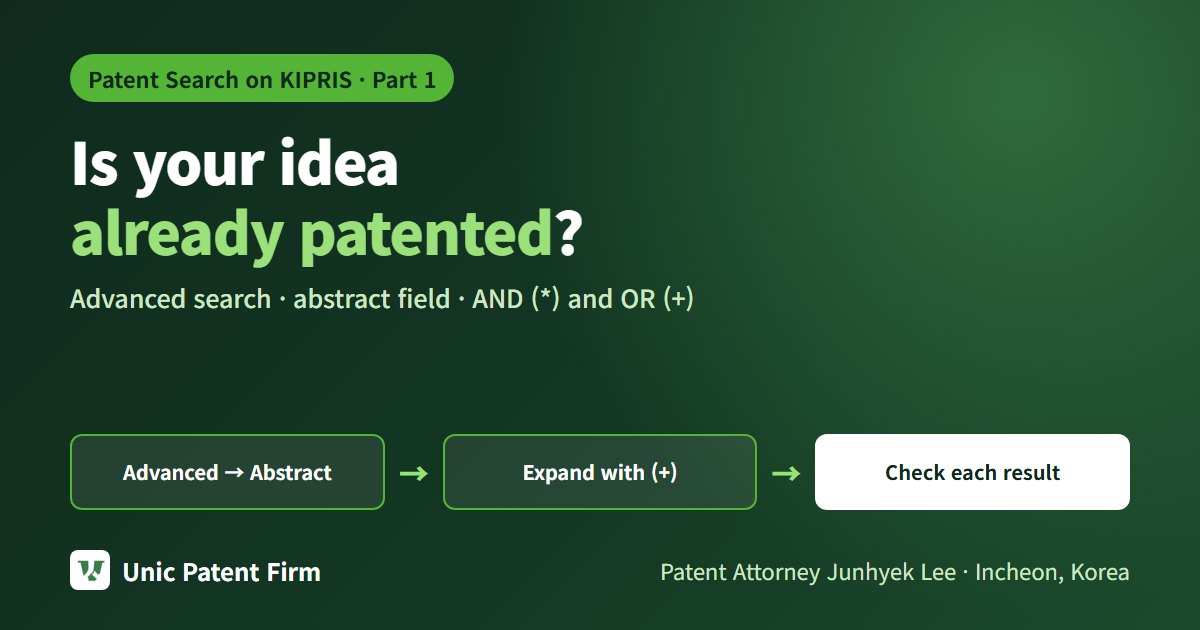
A question startup founders and CEOs often ask: "Can my idea be patented?" It is usually followed by: "I searched Naver and the patent office site and found nothing similar!"
But did you really search properly? If you don't know how to broaden and combine keywords, you can miss patents that exist — and few people check foreign patents. In this article, Unic Patent Firm in Cheongna, Incheon, shows step by step how to find prior patents with KIPRIS, the Korean patent office's free search service.
Go to kipris.or.kr or search for "KIPRIS."
STEP 1. Use Advanced Search, Not the Main Page
Don't search from the main page; click Advanced Search. It lets you search more precisely with more conditions.
STEP 2. Check the Patent Type
Make sure Patent/Utility Model is selected by default. To search trademarks, click the trademark button to switch to the trademark search screen.
STEP 3. Start With the "Abstract" Field
| Field | Characteristics |
|---|---|
| Title of invention | Narrow; you may not find what you want |
| Abstract | Recommended to start — good balance of scope and accuracy |
| Specification and claims | Broad; many unrelated patents mixed in, so sorting takes a long time |
Leave the free-text field empty at first and start with keywords in the Abstract field.
STEP 4. Entering Keywords — AND Is *, OR Is +
Suppose you are looking for "a system that recommends clothes using generative AI."
| Step | Search query |
|---|---|
| Basic ("recommending clothing with AI") | 인공지능*의류 (AI*clothing) |
| More specific ("generative AI clothing recommendation") | 생성형*인공지능*의류 (generative*AI*clothing) |
| Expanded (group synonyms with OR) | (인공지능+AI)*(의류+옷+남성복+여성복) — (AI terms)*(clothing, clothes, menswear, womenswear) |
The key is to expand by grouping words for the same concept with + (OR). A single word misses patents that use different expressions.
STEP 5. Check the Results One by One
For example, searching "인공지능*의류" returns 133 results. From here it is manual work: open each result and read the abstract to check whether it resembles your idea. It takes time, but it is necessary to:
- Check whether the same technology is already patented
- Judge whether a design-around is possible if similar patents exist
- Gauge your idea's chances of registration in advance
Doing this early helps prevent disputes and prepare strategically for commercialization.
Things to Watch When Searching
- Try combining and expanding keywords several times.
- Viewing the full specification takes extra clicks, but checking carefully yourself is the most reliable approach.
Conclusion: Say "I Searched and Found Nothing" Only After Broadening Your Keywords
Searching prior patents is the starting point for any filing. Use Advanced Search with the Abstract field + expanded keywords, and check results one by one. Downloading PDFs of the patents you find and using other search fields are covered in KIPRIS Patent Search, Part 2.
If you need a prior art search or a registrability review, Patent Attorney Junhyek Lee of Unic Patent Firm in Cheongna, Incheon, can help directly.
Does this apply to your business?
The answer depends on your product, filing schedule and contracts. Talk to a patent attorney directly.
This article is for general information only. Specific cases may be assessed differently depending on the facts. It is based on Korean law as of the publication date.